I give permission for the Slovenian Tourist Board to record and store information about my interests, displays, and clicks on advertising content for the purpose of providing specific, topical, high-quality, and targeted advertising content, as well as for the purpose of measuring the effectiveness of advertising campaigns and limiting the repetition of advertisements. These settings apply to advertisements displayed by the Slovenian Tourist Board via advertising on social media platforms (e.g.: Meta, LinkedIn, etc.), international search engines (e.g.: Google), as well as through online applications and activities that directly address the user. Such cookies allow us to track our campaigns online. I also confirm that I have been acquainted with my rights related to the provided personal data.
Personal data controller:
Slovenian Tourist Board, Dimičeva ulica 13, Ljubljana
Phone: +386 1 5898 550
Email: info@slovenia.info
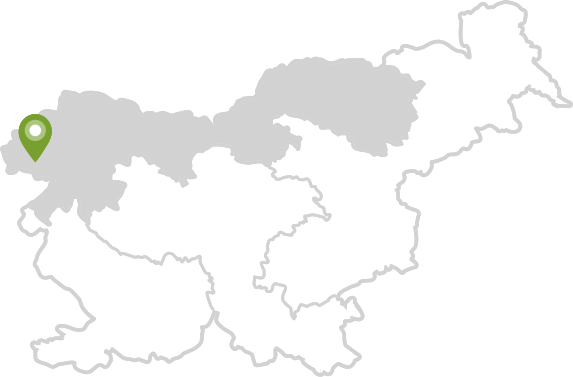
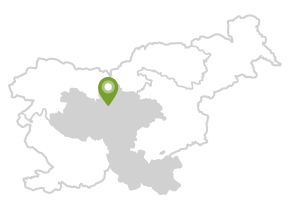
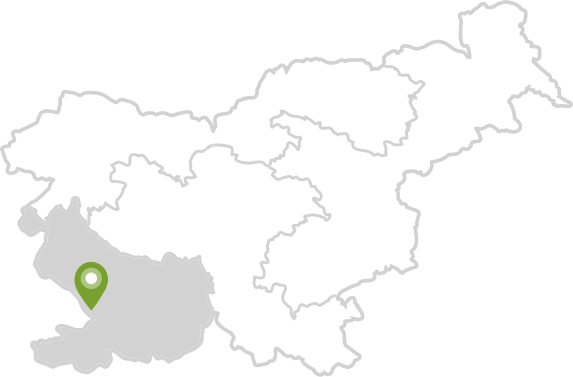
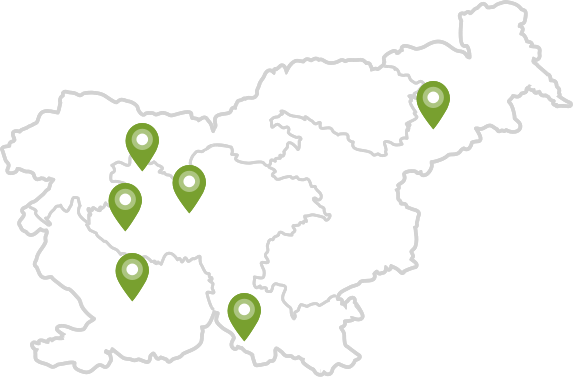



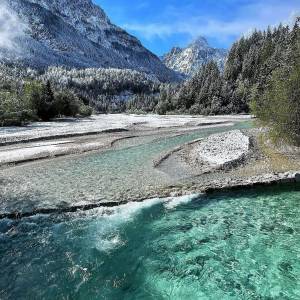
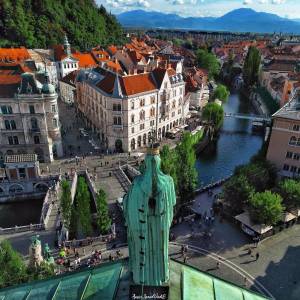
![[SAVE] Celebrate World Earth Day in Slovenia, Europe's Green Gem
Join us in the heart of Europe to mark #WorldEarthDay and discover why Slovenia is revered as a haven for eco-conscious travelers.
️ Which of these magical destinations is on your travel wishlist? Tell us in the comments.
#ifeelsLOVEnia #worldearthday #visiteurope #naturallycurious
Simon Srečkovič, Jošt Gantar, Jaka Ivančič, Ciril Jazbec, www.slovenia.info](https://www.slovenia.info/imagine_cache/instagram_small/uploads/instagram-thumbs/87/440053985_1934920093644586_3470240720920202165_n.jpg)
 Privacy settings